
These browser-based platforms eliminate the friction of setup and boilerplate, allowing you to stay in the zone and build at the speed of thought. This guide will introduce the four essential tools you need to catch this wave and start creating today.
That’s the essence of “vibe coding.” It’s a new paradigm where development feels less like a rigid task and more like a creative, intuitive conversation with your tools. And the engine behind this revolution is a new class of AI vibe coding tools.
The 4 Essential Tools for Modern Vibe Coding
These platforms are designed to keep you in that creative flow. They are built for speed, intuition, and turning a simple prompt into a stunning, functional application without ever leaving your browser.
Vercel v0 (v0.app / v0.dev)
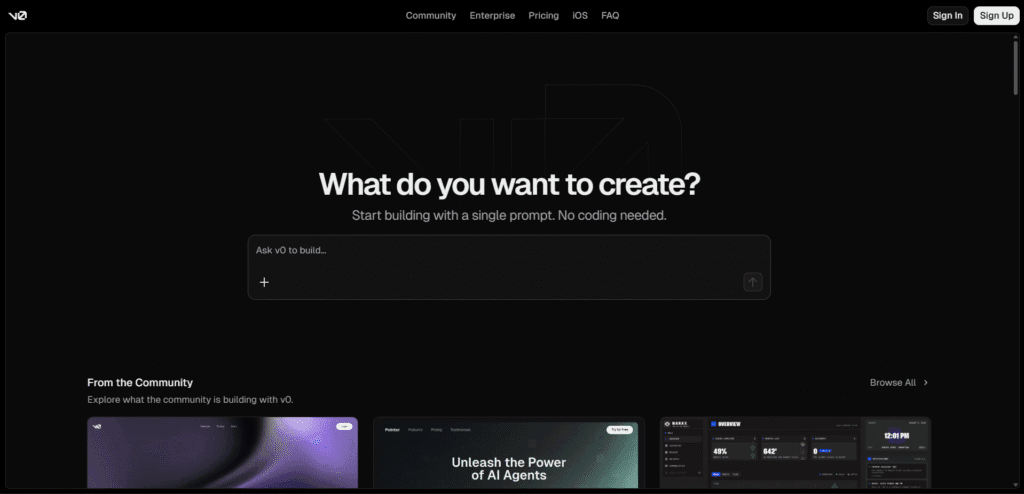
- What it is: A prompt-to-React UI generator that excels at creating polished, production-ready interfaces. V0 is perfect for when your vibe is focused on crafting a beautiful and responsive user experience. For more on UI, see our guide to user-centric design.
- Maker: Vercel (the creators of Next.js).
- Free? Yes, it offers a free tier with limits.
- v0 AI
Bolt.new
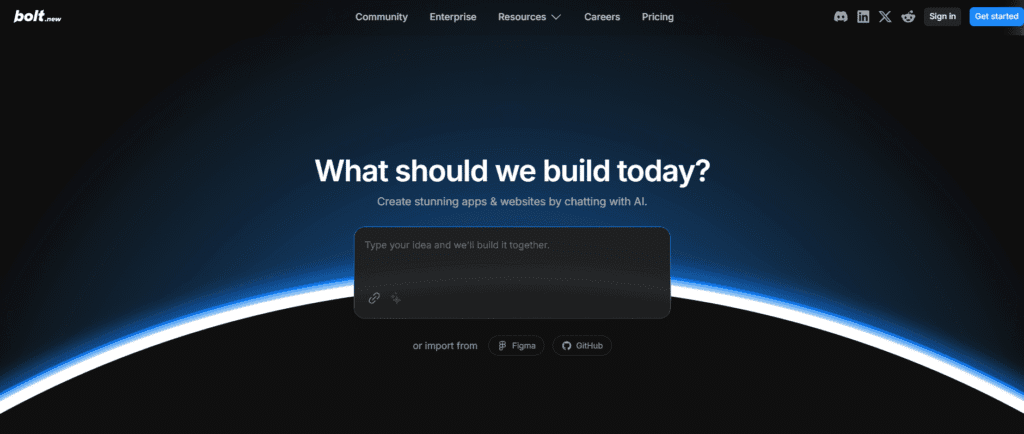
- What it is: A true prompt-to-full-stack generator that builds, runs, and helps you iterate on entire web applications directly in the browser. It’s the ultimate tool for maintaining your development vibe with zero setup.
- Maker: StackBlitz (led by Eric Simons).
- Free? Yes, a free tier is available with usage limits.
- Bolt.new AI
Replit (AI/Agents)
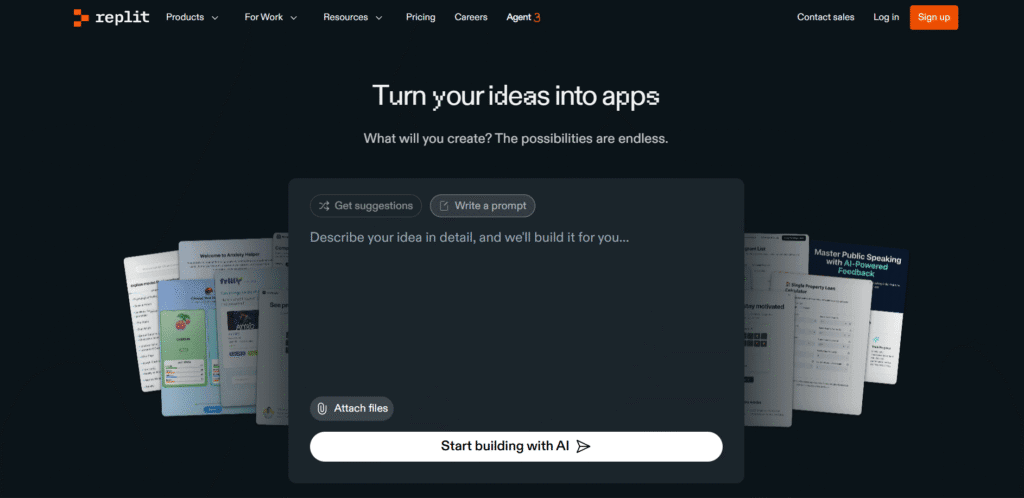
- What it is: A full-featured, in-browser IDE supercharged with AI agents. It’s a collaborative sandbox perfect for rapid prototyping and instant deployment, allowing your whole team to share the same vibe. As noted by Wired, collaborative AI tools are reshaping the tech landscape.
- Maker: Replit, Inc.
- Free? Yes, a free plan is available, though advanced AI features require a paid tier.
- Replit AI
Lovable
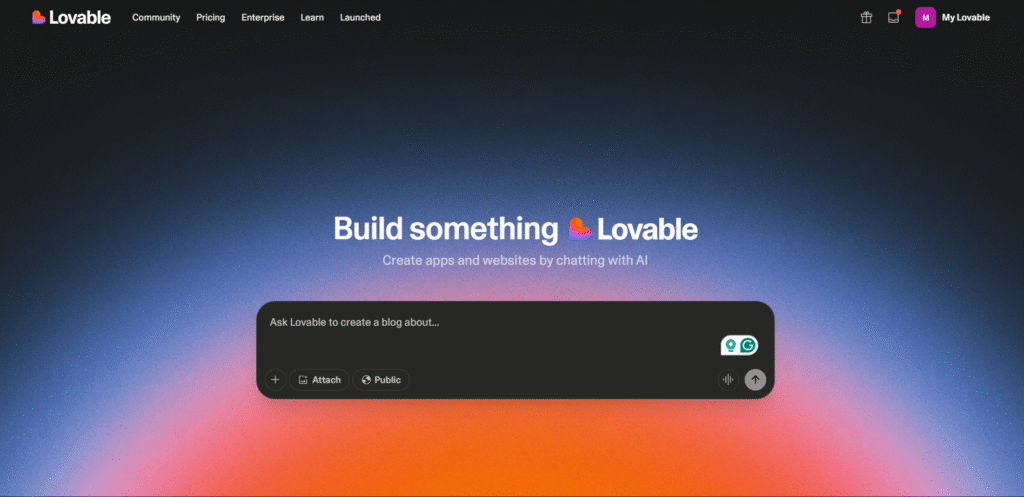
- What it is: A web app generator with a strong focus on simplicity, making it ideal for designers and entrepreneurs. It’s built for the “visual vibe,” helping non-coders bring their ideas to life and export usable code.
- Maker: Lovable AI.
- Free? Yes, a free plan with credit limits is available.
- Lovable AI
5 Projects to Kickstart Your Vibe Coding Journey
Ready to get hands-on? Pick a tool, grab a prompt, and see how quickly you can create something amazing.
1. Weather Dashboard App
A sleek dashboard that pulls in live data from a third-party API.
Prompt: Create a weather dashboard using React and Tailwind CSS. The UI needs a search input for a city name. Below, display a card with the city, current temperature (Celsius), weather condition (e.g., "Clear Sky") with an icon, "feels like" temp, humidity, and wind speed. Use the OpenWeatherMap API for data.
2. E-commerce Product Page
A clean, modern product page—a fundamental building block for any online store.
Prompt: Create a single product page for a pair of sneakers using React and CSS Modules. It should include a main product image with three smaller thumbnail images below it. To the right, include the product title "Astro Kicks", a price of $149, a short description, a quantity selector, and an "Add to Cart" button. Add a "Customer Reviews" section below with placeholder reviews.
3. “Link-in-Bio” Social Page
A personal landing page to consolidate all your social media links, just like Linktree.
Prompt: Design a responsive "link-in-bio" page using HTML and CSS. At the top, add a circular profile picture and a name (e.g., "@yourname"). Below, create a list of 4-5 buttons. Each button should have a clear label (e.g., "My Website," "Twitter," "GitHub") and span the full width of the container. Use a modern color gradient for the background.
4. Simple Budget Tracker UI 💰
A practical app for practicing form handling, state management, and displaying data in a list format, all done on the front-end.
Prompt: Build a simple budget tracker UI using vanilla JavaScript, HTML, and CSS. The app needs a form with inputs for "Description" (text), "Amount" (number), and a dropdown to select "Income" or "Expense." When the form is submitted, add the item to a list below. Income items should be displayed with a green background, and expense items with a red background. At the top of the page, display a running total of the budget (Total Income - Total Expenses). All data can be stored in local state.
5. GitHub Profile Viewer 💻
A developer-focused project that uses the popular GitHub API to fetch and display user data, perfect for creating a sleek, data-driven portfolio piece.
Prompt: Create a GitHub Profile Viewer using Next.js and plain CSS for styling. The page should have an input field where a user can enter a GitHub username. Upon submission, use the GitHub API to fetch the user's profile data. Display the user's avatar, name, bio, and key stats (public repos, followers, following) in a clean, modern card layout. Below the main card, list their top 5 public repositories, showing the repository name and its primary language.
Frequently Asked Questions
Is “vibe coding” just another industry buzzword?
While the term is new, the concept is real. It describes the tangible shift from slow, frustrating development cycles to a faster, more creative, and AI-augmented workflow. These tools enable that shift, making development feel more intuitive.
Do I still need to know how to code to use these tools?
Yes, for the most part. While tools like Lovable are beginner-friendly, a foundational knowledge of coding allows you to guide the AI more effectively, debug its output, and customize the final product to your exact specifications.
Can I build a real, production-ready application?
Yes, but with an important distinction.
These tools are excellent for rapidly building prototypes, generating high-quality UI, and creating the foundation for simple projects.
However, a full production-ready application requires a higher level of quality, security, and testing. These critical aspects still need a human developer’s expertise to review, refine, and guarantee before the product is ready for real users.
What Will You Create?
Your next great project is just a prompt away. Pick a tool, try one of our project ideas, and share what you build!
By embracing these AI vibe coding tools, you’re not just adopting new technology—you’re choosing a better, faster, and more enjoyable way to build.
if you’re curious about AI programming GitHub Copilot tools, don’t miss: GitHub Copilot: Your AI Pair Programmer is Now Free!.
5 Web-Based Final Year Projects for College Students don’t miss: Web-Based Final Year Projects