
What is LinkedIn?
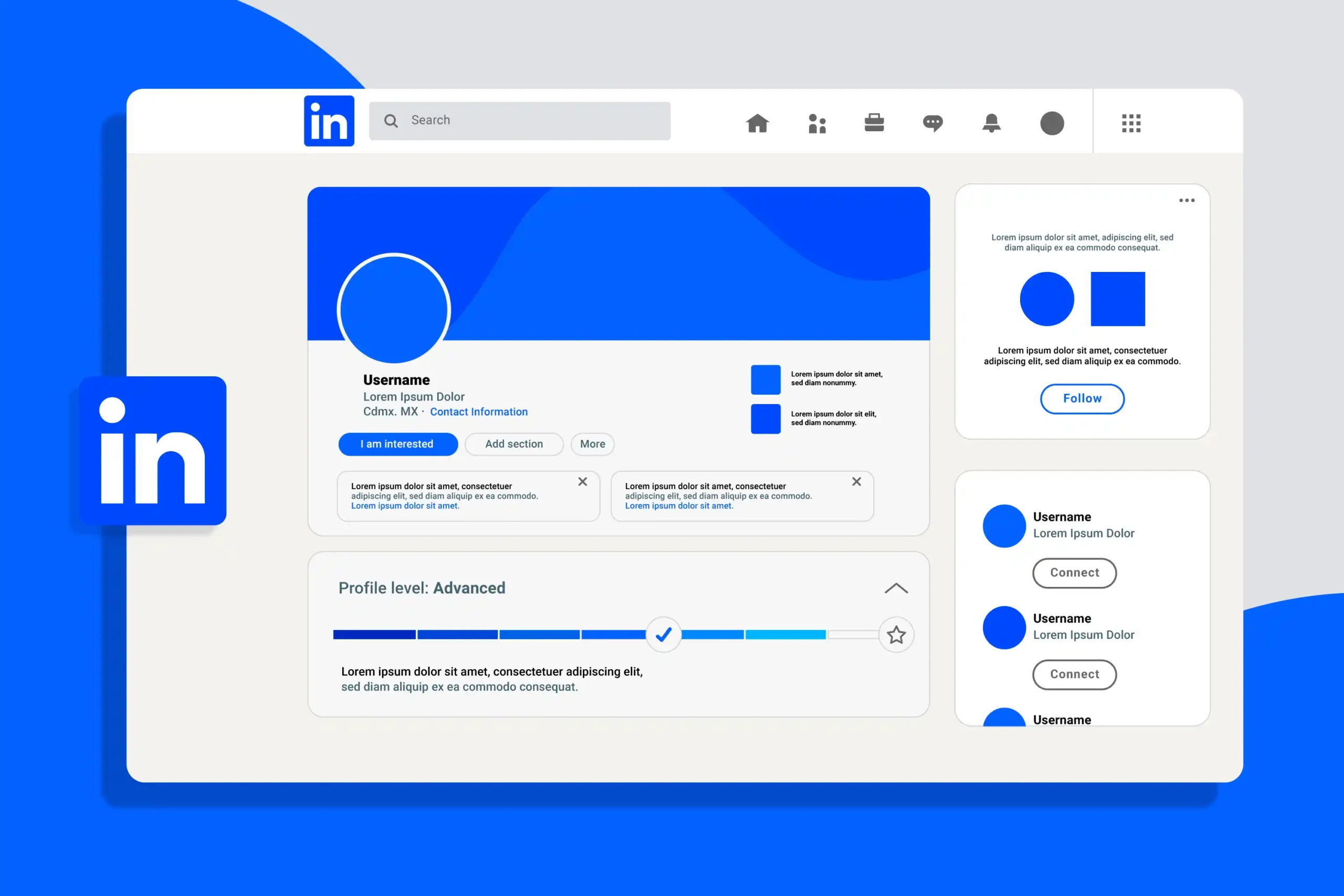
LinkedIn is a professional social networking platform that helps people build career and business connections. It functions as your online professional identity and digital resume.
Why LinkedIn is Important
- The platform for professional networking and career opportunities
- Helps in building industry connections
- Showcases your skills and achievements
- Essential tool for job searching
LinkedIn vs Other Social Media
| Other Social Media | |
|---|---|
| Professional networking focus | Personal/entertainment focus |
| Career-oriented content | Casual/social content |
| Industry insights and learning | General information sharing |
| Business connections | Personal connections |
Creating a Professional LinkedIn Profile: Top to Bottom
1. Profile Photo (Your Digital Handshake)
Your profile picture is the very first thing recruiters see. A missing or low-quality photo can make your profile look abandoned.
- Professional Headshot: Ensure your face takes up about 60% of the frame. You should be the only person in the picture.
- Lighting & Background: Use natural lighting and a simple, uncluttered background (white or blurred office setting).
- Expression: Smile! A warm, approachable expression creates an instant connection.
2. Background Banner (Prime Real Estate)
Don’t stick with the default grey background. This large space is your billboard to brand yourself instantly.
- Relevance: Use an image that represents your industry (e.g., a laptop for coders, a skyline for real estate, or a stage for speakers).
- Quality: Use a high-resolution image (recommended size: 1584 x 396 px) so it doesn’t look pixelated.
3. Headline (The SEO Powerhouse)
Your headline follows you everywhere on posts, comments, and search results. It is the most critical field for SEO (Search Engine Optimization).
- Go Beyond the Job Title: Don’t just write “Marketing Manager.” Explain your value.
- The Magic Formula: Use this structure: [Job Title] | [Top Skills] | [Unique Value Proposition]
- Example: Senior Graphic Designer | Branding & UX Expert | Helping Startups Scale Visually
4. About Section (Your Elevator Pitch)
This is where you tell your story. Avoid pasting your resume here; instead, write a narrative that connects with the reader.
- The Hook: The first three lines are crucial because LinkedIn hides the rest behind a “See more” button. Make them catchy.
- Content: Explain what you do, why you love it, and the problems you solve.
- Call to Action (CTA): End with a way to contact you (e.g., “Feel free to message me or email at…”).
5. Experience (Proof of Performance)
This section proves you can do the job. Recruiters scan this to see where you have been and what you have achieved.
- Action Verbs: Start every bullet point with a strong verb like Led, Created, Generated, or Built.
- Quantifiable Results: Don’t just list duties. Use numbers.
- Bad: “Responsible for sales.”
- Good: “Increased regional sales revenue by 20% in Q3.”
6. Education & Certifications (Validating Knowledge)
Don’t just list your college degree. This section validates your technical knowledge and commitment to growth.
- Education: List your degree and school. If you are a fresh graduate, include your GPA (if high) and relevant coursework.
- Licenses & Certifications: Add courses from LinkedIn Learning, Coursera, Google, or HubSpot. This shows you are a continuous learner.
7. Skills & Endorsements (Searchability)
This is crucial for SEO inside LinkedIn. Recruiters often filter candidates by specific skills.
- Add Relevant Skills: You can add up to 50 skills. Ensure the top 3 are your “Signature Skills” (e.g., Content Writing, Project Management, Java).
- Get Endorsed: Ask colleagues to endorse you. Profiles with skills are 27x more likely to be found in searches.
8. The “Featured” Section (The Game Changer)
Most people ignore this, but it is the visual highlight of your profile that sits right under your About section.
- Show, Don’t Just Tell: Pin your best work here so people can see it immediately.
- What to add: A direct link to your portfolio website, a PDF of your resume, a successful project case study, or one of your high-performing LinkedIn posts.
9. Recommendations (Social Proof)
A recommendation is a trusted reference displayed publicly. It serves as powerful social proof of your character and work ethic.
- The Golden Rule: Aim for at least 3 recommendations to look established.
- How to get them: Don’t just ask “Can you recommend me?” Write a draft for them to make it easy, or offer to write one for them first.
10. Customize Your URL (The Finishing Touch)
Look at your browser address bar when on your profile. Does it look like linkedin.com/in/john-doe-1293849? That looks messy.
- Clean it up: Go to “Edit public profile & URL” on the top right of your profile page.
- The Fix: Change it to
linkedin.com/in/johndoe. It looks professional on business cards, resumes, and email signatures.
5 Essential Tips for LinkedIn Success
Tip 1: Optimize Your Keywords
Strategically place industry-specific keywords in your profile to boost search visibility.
Tip 2: Maintain Active Presence
Share valuable content, interact with others’ posts, and keep your profile current.
Tip 3: Build Meaningful Connections
Prioritize quality connections over sheer numbers by connecting with relevant industry professionals.
Tip 4: Highlight Your Achievements
Display your portfolios, projects, and accomplishments to showcase your expertise.
Tip 5: Gather Strong Recommendations
Obtain recommendations from colleagues and supervisors to enhance your credibility.
Common Mistakes to Avoid
- Being too casual: Keep the party photos for Instagram.
- Neglecting the URL: Change your public profile URL to
linkedin.com/in/yourname(remove the random numbers). - Ignoring the “Open to Work” settings: If you are job hunting, use the “Recruiters Only” visibility setting to stay discreet but discoverable.
Frequently Asked Questions (FAQ)
Should I pay for LinkedIn Premium?
For most beginners, the free version is sufficient. Premium is useful if you are actively applying for jobs (InMail credits) or doing intense sales prospecting.
How often should I post on LinkedIn?
Consistency wins. Aim for 2–3 times a week. If that’s too much, start with once a week, but engage with others daily.
Can I have a profile if I am a student?
Absolutely. Focus your profile on your coursework, volunteer experience, and eagerness to learn. It’s the best time to start networking.
What if I have a gap in my employment?
Be honest. You can add a “Career Break” entry in the experience section. Explain what you learned or achieved (courses, parenting, travel) during that time.
Is it okay to connect with people I don’t know?
Yes, but send a personalized note explaining why you want to connect. Blind requests are often ignored.
Does the “Open to Work” green banner look desperate?
Not at all. It signals availability. However, if you are currently employed and want to be discreet, use the “Recruiters Only” setting instead of the visible frame.
Conclusion
Creating a professional LinkedIn profile is an investment in your future. It requires effort to set up, but once optimized, it works 24/7 to bring opportunities to your doorstep.
Don’t let your profile sit stagnant. Take 15 minutes today to update your headline and photo using the tips above.
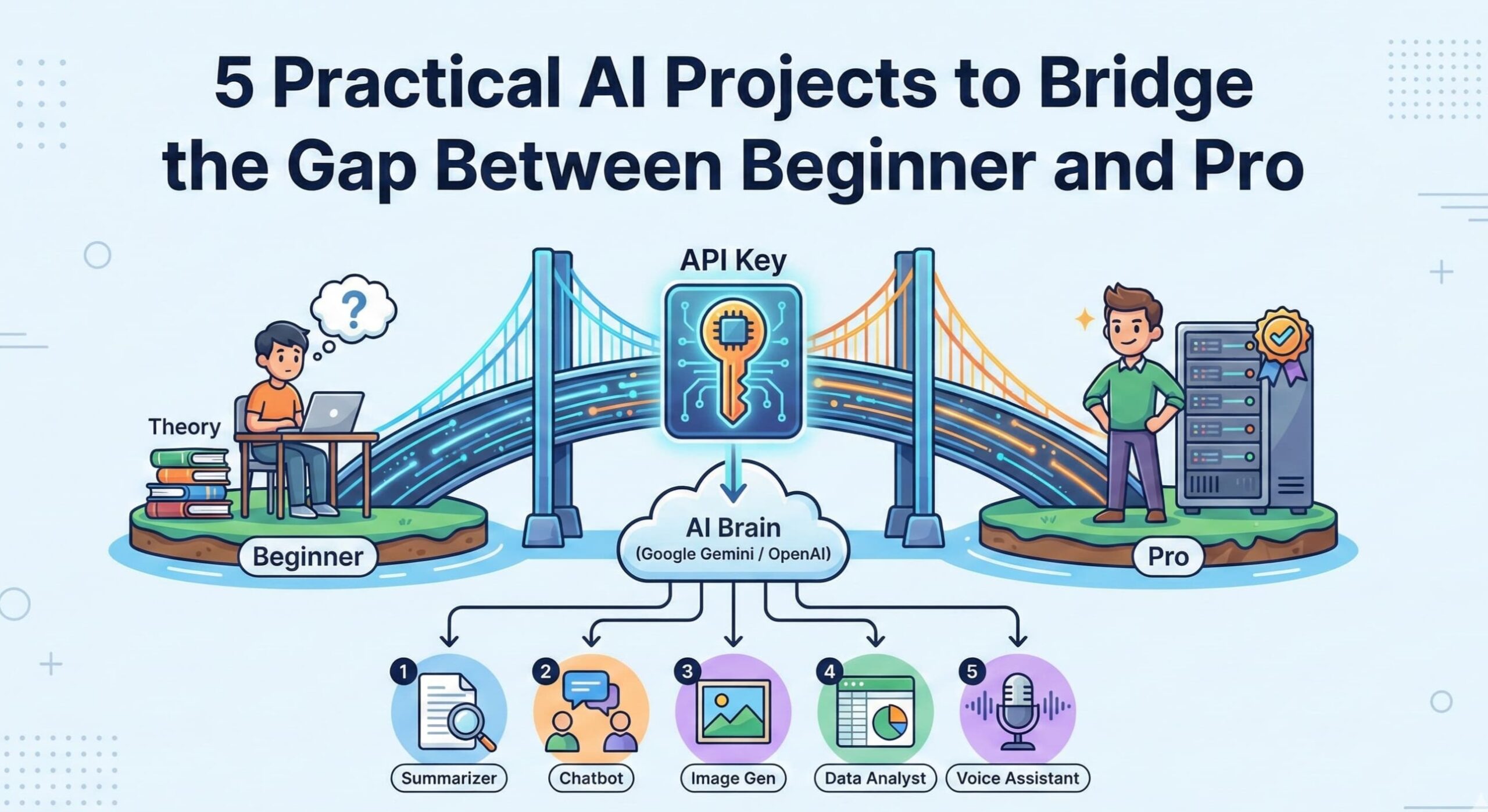
Need Basic AI projects to fill your new “Featured” section? Nothing impresses recruiters more than practical skills. Build these to showcase your expertise: 👉 5 Practical AI Projects to Bridge the Gap Between Beginner and Pro
Need a home for your best work? LinkedIn is great, but you don’t own it. Learn how to build your personal brand hub in our guide: 👉 Why Every Professional Needs a Portfolio Website in 2025