
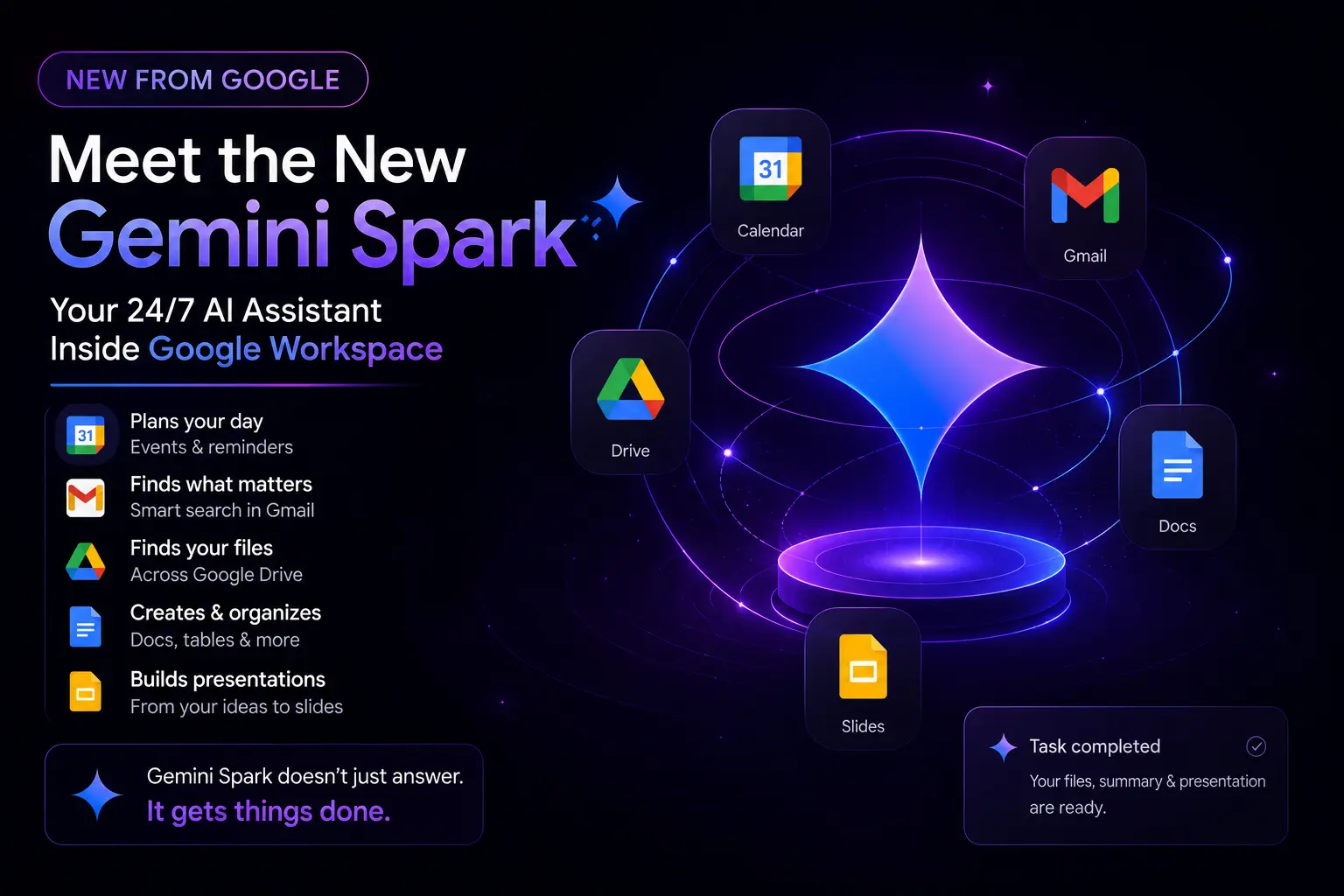
Google Gemini Spark isn’t just another chatbot. It’s an always-on, cloud-native agent that actually does the work for you. Instead of jumping between tabs, I just described what I needed, and it handled the entire workflow across my Google Workspace.
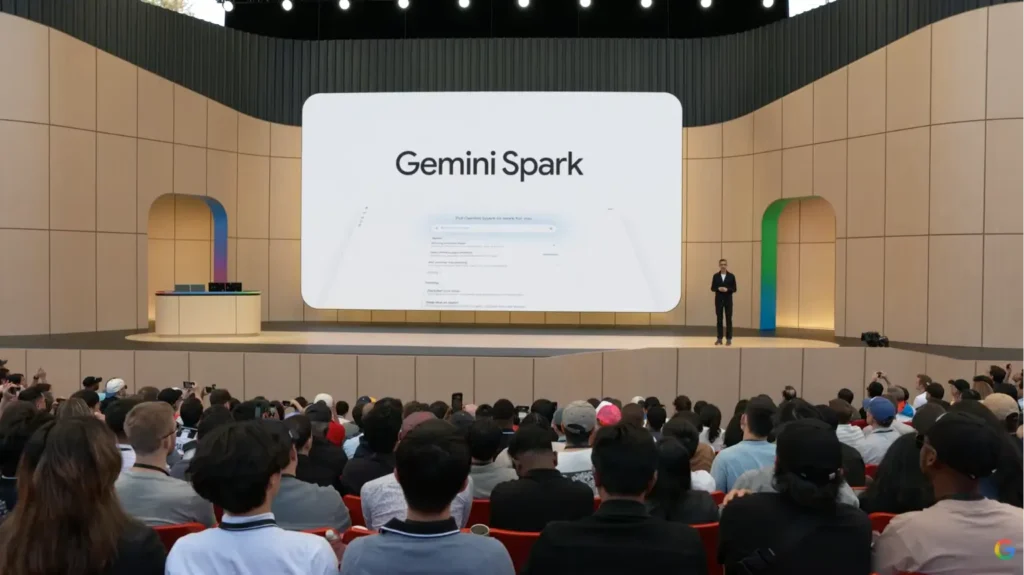
Here is exactly what I tested, what blew my mind, and why I think this changes how we build and interact with AI.
My True “Workflow” Experience
I wanted to push Spark’s natural language processing to its limits. Instead of clicking around, I gave it a sequence of conversational prompts to see if it could maintain context across different apps. Here is the exact sequence I used and how it delivered:
1. Google Calendar Automation
I started with a simple request:
“Can you set the one event in google calendar’s on the first August like yash you need to write a new blog post in your website”
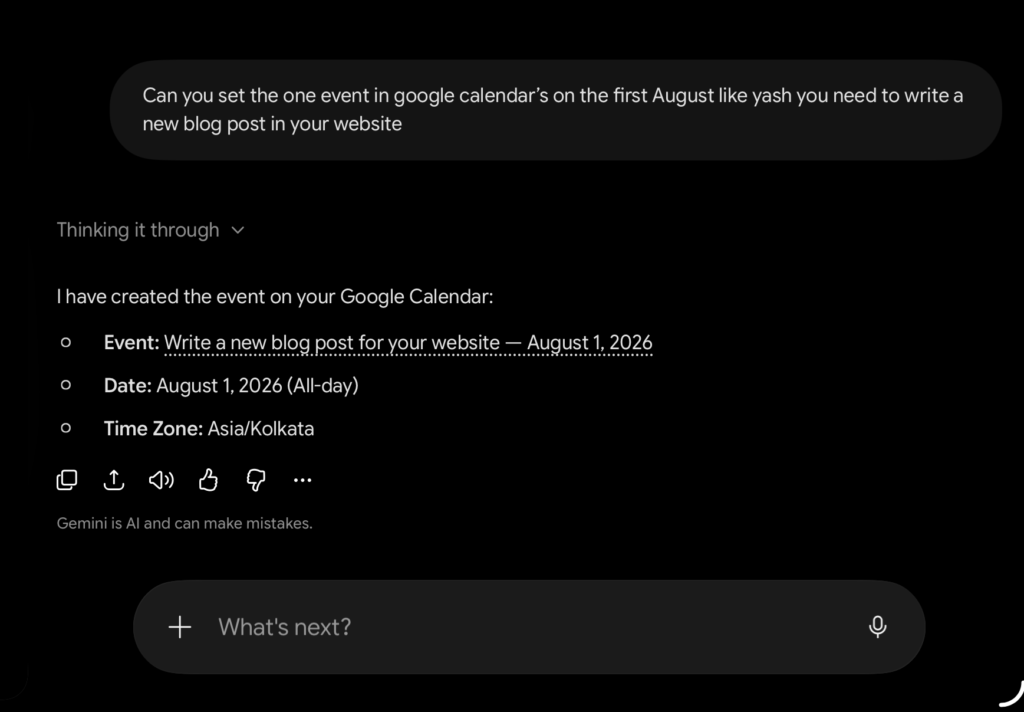
The Result: Instantly, it blocked out my schedule:
- Event: Write a new blog post for your website
- Date: August 1, 2026 (All-day)
- Time Zone: Asia/Kolkata
2. Gmail Data Extraction
Next, I tested its logical reasoning with a highly conversational task:
“Can you check my Gmail, current month and previous month? How much Rapido rides I completed in the table. You can share the data like on this date… also possible how much kilometer they have on the ride and also give me the month wise total like how much cost I have spent.”
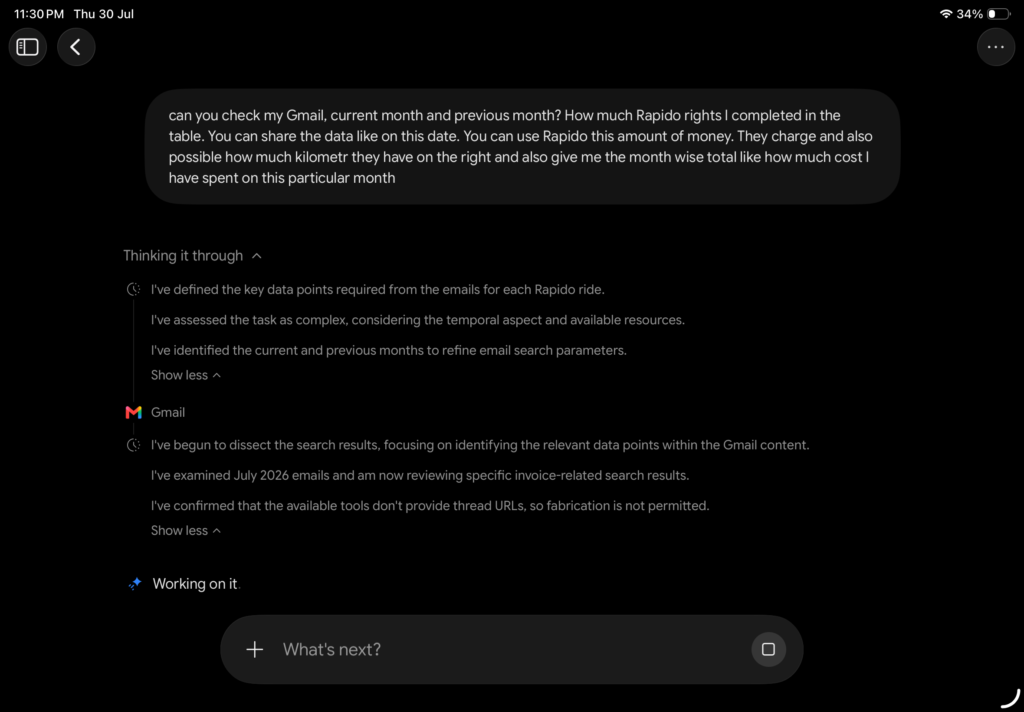
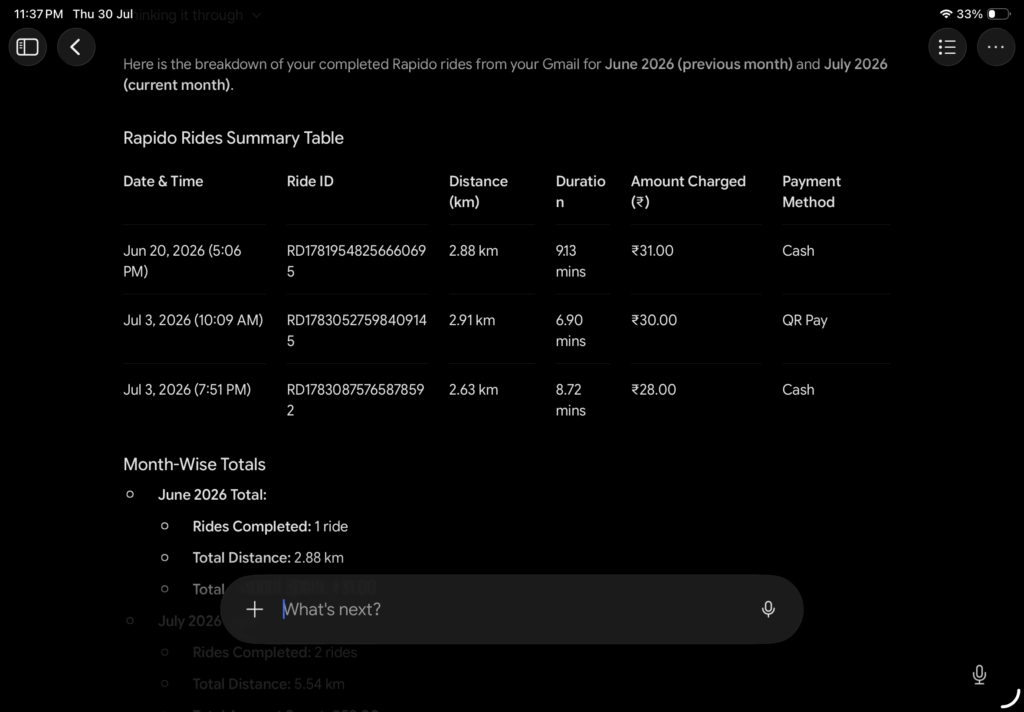
The Result: It flawlessly parsed my inbox without deleting or missing any context. It generated a clean table featuring the Date & Time, Ride ID, Distance (km), and Duration, along with the exact month-wise total costs. It felt incredibly natural to pull financial data this way.
3. Deep Searching Google Drive
Then I threw a real-world problem at it:
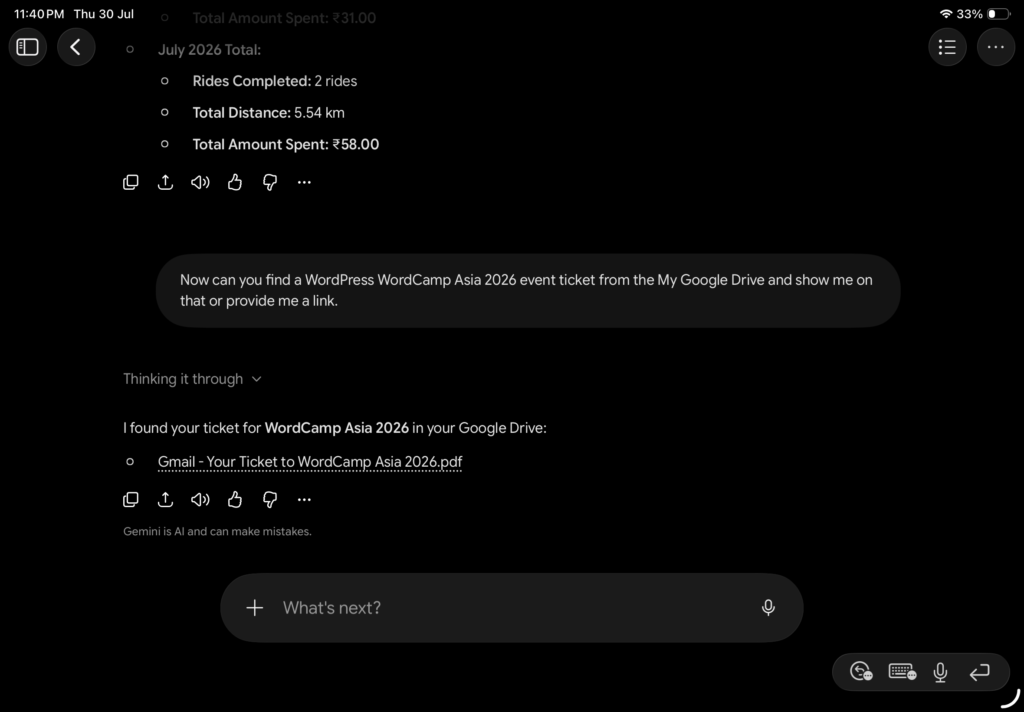
“Now can you find a WordPress WordCamp Asia 2026 event ticket from My Google Drive and show me on that or provide me a link.”
The Result: It scanned my Drive and immediately provided a working link to the ticket.
I kept the context going and followed up:
“Great, thank you so much. After the attending, I forgot where I add their photos, like in the Google Drive somewhere, all three days photos… can you share this folder location so I will find my photos from that?”
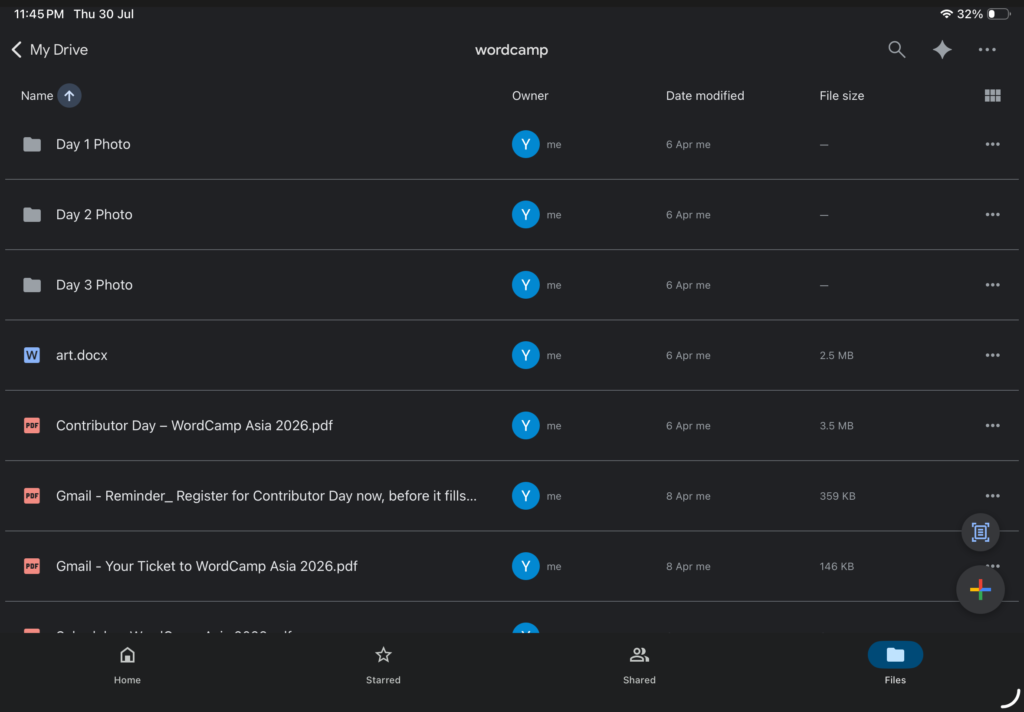
The Result: It perfectly understood the context of the WordCamp event and pulled up the exact Google Drive folder link where my event photos were stored.
4. Document Generation
To tie the previous tasks together, I asked Spark to build a repository for me:
“Thank you so much, Gemini Spark… In future, I cannot forget where I put my ticket and the where I have all photos folder. So, can you create the one Google Doc and share me a link so I can directly save this link… So, I directly open links from this doc.”
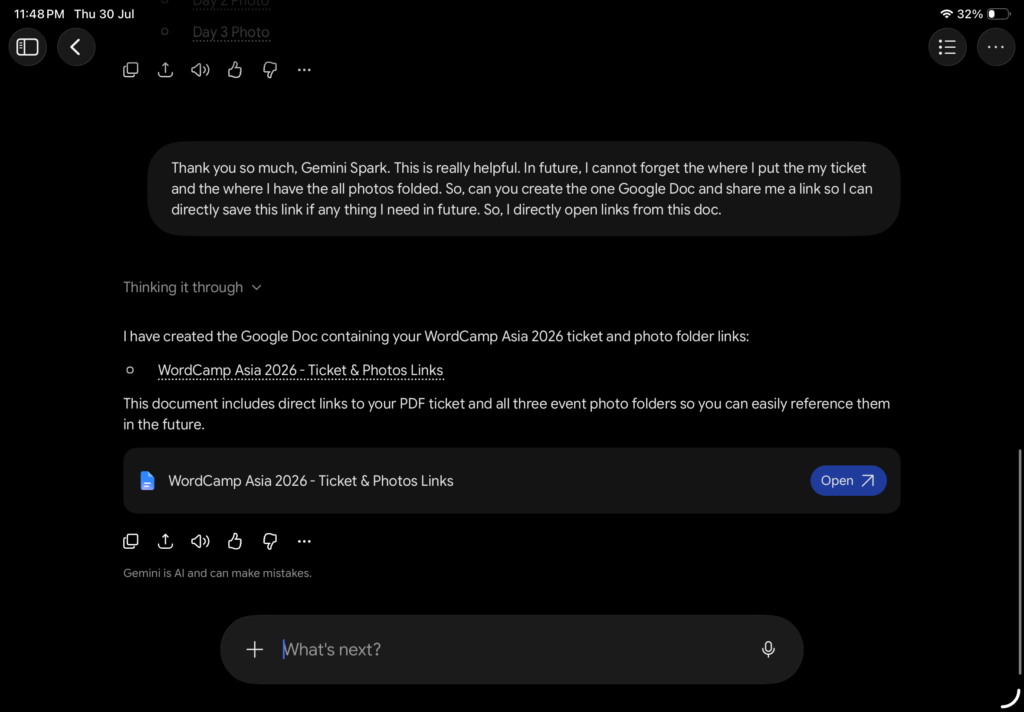
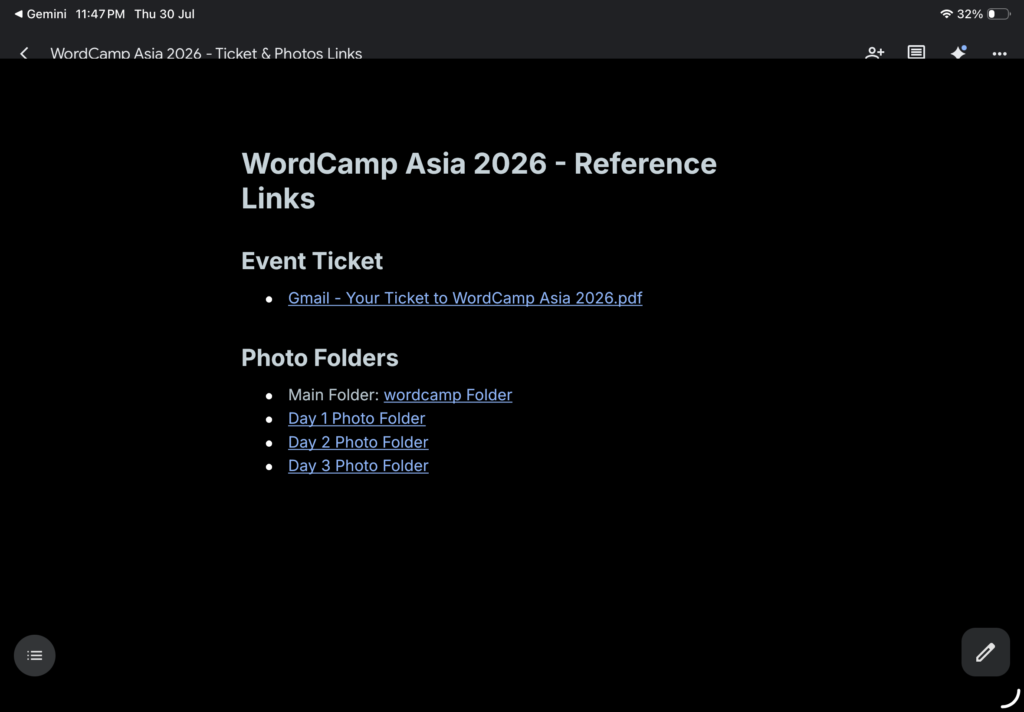
The Result: Without me opening a single menu, it generated a brand new Google Doc containing all my requested links and saved it directly to my Drive.
5. PowerPoint Creation
Finally, it was time for a more complex, multi-step objective:
“Yashbarochiya.com this is my blog website, so for that, can you prepare a small presentation for me like what is the main purpose I have to build my own blog website, which type of topic I can write on my website and other and also you can find about me from the website and also contact email… so your task is very simple, you can create a presentation for me.”
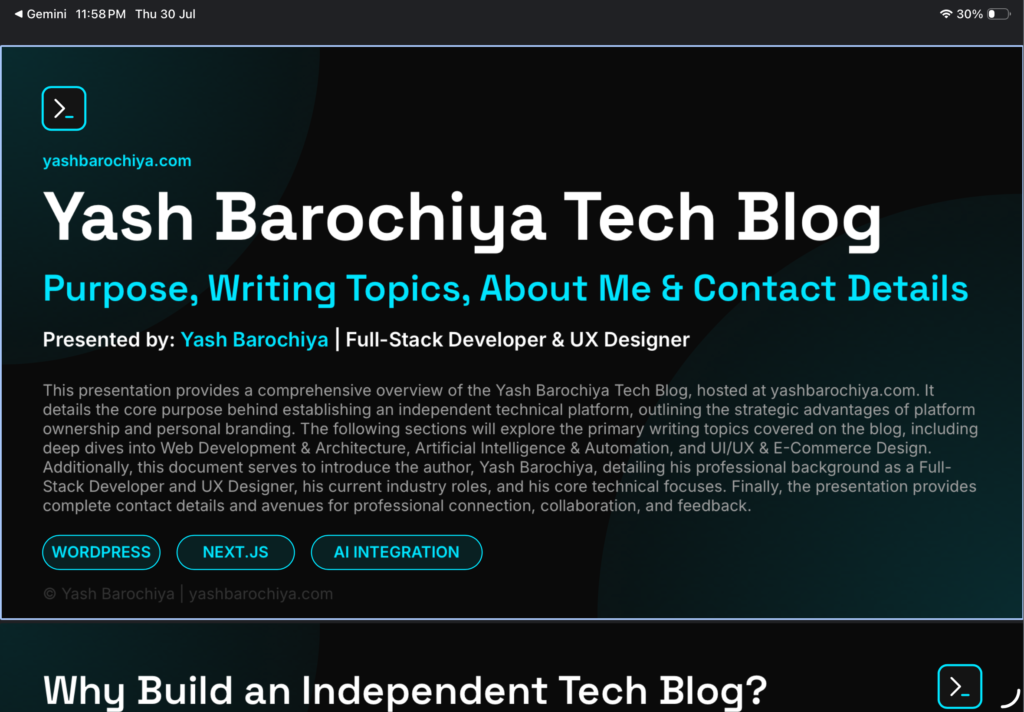
The Result: Because this required analyzing an external URL and generating a file, it took a little time to process. But when it finished, it delivered a complete, 5-page presentation deck built entirely from my live website’s copy and structural layout.
Under the Hood: MCP, Skills, and Schedules
I noticed three massive additions that make this possible. While the core features are impressive, looking at how they’ve structured the integrations shows exactly where Google is heading—and where they need to improve.
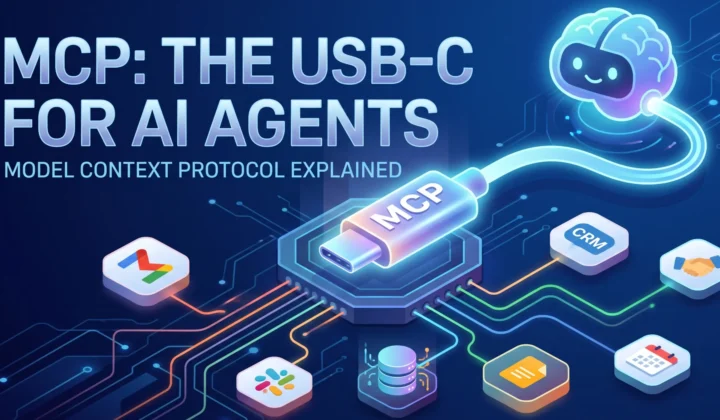
1. MCP (Model Context Protocol) & Custom Apps Right now, the native integrations are heavily focused on the Google ecosystem and Canva. However, the real bridge for developers is the “Custom apps for Spark” option.
You can set up a custom connected app by adding a link and dropping your Client ID and Client Secret into the advanced settings. Google provides a standard warning here: “By adding this link, you’re allowing Gemini to send info to a custom connected app that hasn’t been reviewed by Google. Make sure you trust this service before connecting.”
While having this level of access is great for technical users, if Google wants to make this truly powerful for the masses, they need direct, seamless app support. Competitors like Claude, Perplexity, and ChatGPT already allow you to authorize third-party connections naturally without touching API keys. Google needs to evolve this so we can simply use a “Sign in with Google” flow to connect any MCP-compatible app effortlessly.
2. Skills You can teach Spark specific behaviors—like a preferred writing style or a specific data-pulling format—and it remembers them for future tasks. It turns the AI from a generic assistant into a customized tool tailored to your exact operational standards.
3. Schedules You can set background triggers. You don’t even need to be at your computer for Spark to run a routine task. Because it runs on their cloud infrastructure, you can schedule it to scrape, compile, or summarize data overnight, and the results are waiting for you in the morning.
The Cloud VM Realization: It’s a Virtual Browser
As a full-stack developer, I naturally wanted to see exactly how this was working under the hood. I asked Spark to check the SEO on my other domain, portfolio.yashbarochiya.com.
Instead of just spinning a loading wheel in the background, it opened a live browser window right there on the right side of my screen. I could watch every single step it took, almost like watching a headless browser script execute in real-time. It navigated to Google, searched for a third-party SEO testing tool, opened the site, and even handled the captcha.
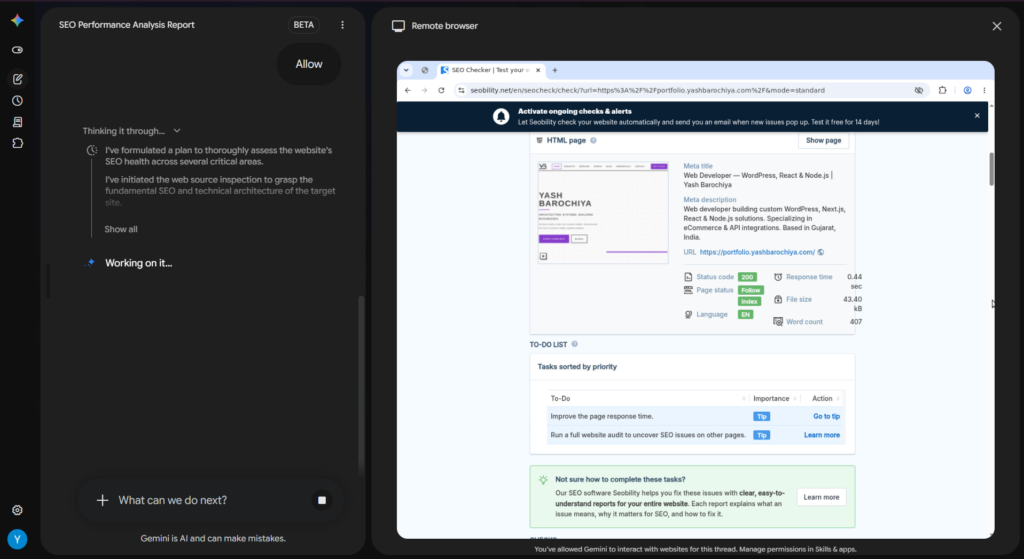
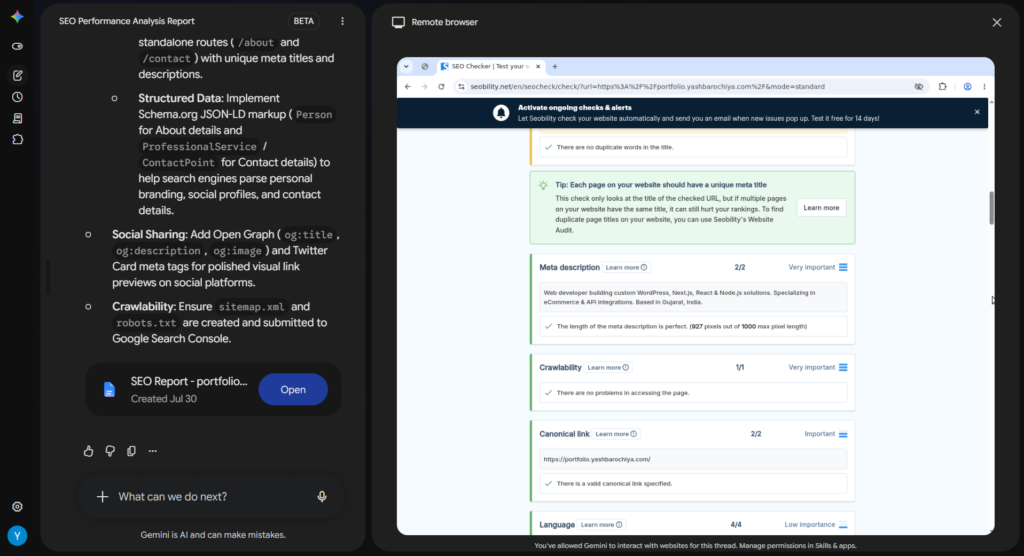
Then, it pasted my website URL into the tool and ran the check. Once the results loaded, the AI scrolled through the page exactly like a human would, reading and analyzing the full report. Only after it finished scrolling did it start generating my summary. It created a Google Doc and dropped the link in the chat—and when I clicked it, the Doc opened directly inside the same Gemini interface.
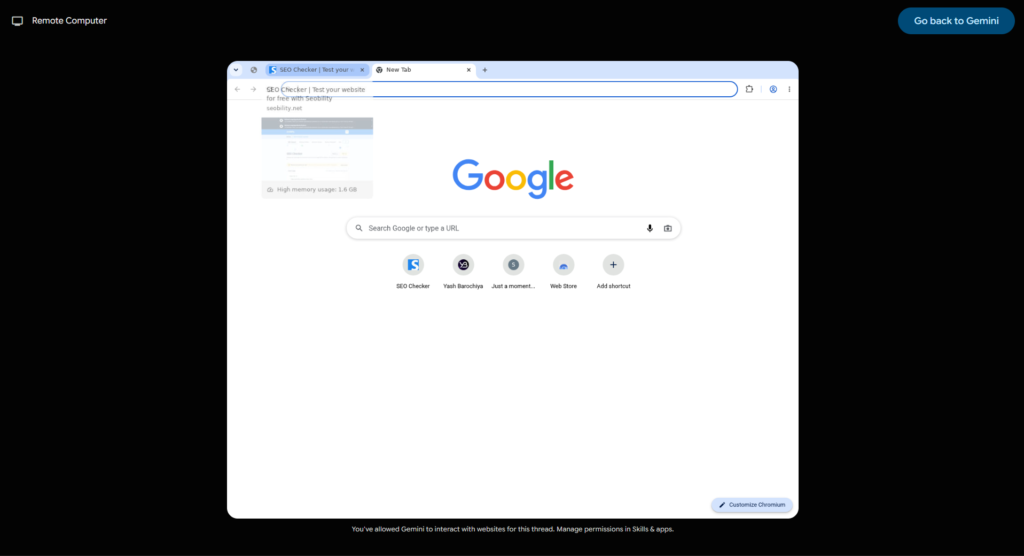
While the AI was running this test, I opened up my live traffic analytics.
I immediately noticed active traffic hitting my site from a USA location. It wasn’t just a basic text scraper parsing code it was genuinely browsing my website using a virtual machine hosted inside a Google Cloud datacenter. It was rendering the DOM, executing scripts, and loading the layout exactly as if I were opening it in Chrome on my own PC.
After the automated task finished, I was able to take over and use that exact same virtual browser myself. Because it’s cloud-based, I could access that same active VM browser session seamlessly from my mobile phone and my tablet.
This leads to the biggest advantage: persistent state. Because Spark runs on cloud VMs, it doesn’t rely on your local hardware or keeping a browser tab open. You can initiate a massive, resource-heavy task on your iPad, close the device completely, and two days later, open your laptop to find the completed results waiting for you.
It simply does the work while you sleep.
What’s Next: The End Game for Agentic AI
Seeing how Google is utilizing its cloud infrastructure to power these virtual browser agents reveals a much larger picture. They aren’t just building a smarter AI model; they own the entire vertical stack.
From their proprietary custom silicon (TPUs) to the immense computing power of Google Cloud Platform (GCP) and a massive global network, they control the physical infrastructure. Pair that with nearly unlimited capital and leading AI research, and they have an undeniable structural advantage.
But hardware and money aren’t the real “end game.” The ultimate moat is the ecosystem.
Having an agent that natively lives inside the tools we already use every single day Gmail, Drive, Calendar, Docs, and Slides creates a frictionless workflow that is incredibly hard for competitors to match. It isn’t just a chatbot connected via an API; it is a native orchestration engine that understands the context of your entire digital workspace.
In my next post, I’m going to dive deeper into this exact topic: Google’s proprietary AI hardware, their server infrastructure, and what this convergence means for the future of agentic AI.
Final Thoughts
Testing the Gemini Spark beta has been a massive leap forward in how I view AI. Moving away from prompt-and-response chatbots to actual task execution changes everything. It is genuinely refreshing to see complex, multi-step workflows get done in such a natural, conversational way using Google’s technology.
Have you gotten access to the Gemini Spark beta yet? Let me know what workflows you’re automating.