
Welcome to the GPT-OSS Era
OpenAI released something game-changing: two open-weight AI models called GPT-OSS. That means you can now download, run, customize, and fine-tune these models for free—no API key, no paywall, and full freedom to use them commercially.
Think of GPT-OSS as a powerful version of ChatGPT that you can run yourself.
What Are the GPT-OSS Models?
There are two versions of GPT-OSS:
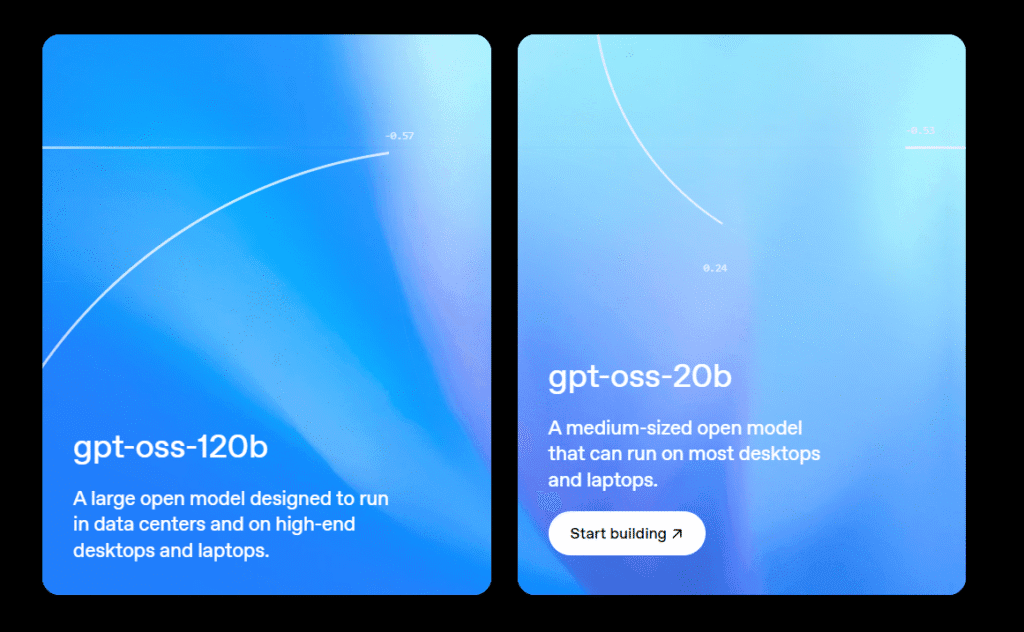
✅ GPT-OSS-120B
- 117 billion parameters
- 5.1 billion active per task
- Built for production, deep reasoning, and general-purpose AI
- Runs on a single H100 GPU or similar high-end setup
✅ GPT-OSS-20B
- 21 billion parameters
- 3.6 billion active per task
- Great for low-latency, offline, or local device use
- Runs within 16GB of GPU memory, suitable for advanced desktops
Both models are trained to understand and respond using OpenAI’s Harmony format, which helps improve accuracy and reasoning.
Key Highlights of GPT-OSS
- 🔓 Apache 2.0 License: Use them for free in any project—even commercial ones
- 🧠 Reasoning Control: Set how deeply the model thinks—low, medium, or high effort
- 🧩 Agentic Abilities: The models can work with tools like web browsers or calculators
- 💬 Full Chain-of-Thought Access: See how the model arrives at answers (for debugging and learning)
- 🔧 Fine-Tunable: You can train the models further for your specific tasks or industries
- 🧪 MXFP4 Quantization: Efficient model design lets you run it without massive computing resources
🛠️ How Can You Use It?
You can run these models directly using platforms or tools like:
- Hugging Face
- LM Studio
No need to worry about setup here. Just know this: you can run this like your own private ChatGPT, either online or offline.
Want to go deeper with code? Just look for the GPT-OSS examples on Hugging Face or vLLM docs.
🧪 Use Cases That Just Got Way Easier
You can use GPT-OSS for things like:
- 💼 Building custom chatbots
- 🧾 Automating business tasks
- 🧑🏫 Teaching and education tools
- 🔐 Private and secure AI assistants
- 🧪 Research and experimentation
- 🧠 Fine-tuning for industries like healthcare, law, finance, or e-commerce
📥 How to Download GPT-OSS
You can download the models directly from Hugging Face:
🔗 GPT-OSS-120B:
🔗 GPT-OSS-20B:
🧬 Fine-Tuning for Your Needs
Both models can be fine-tuned:
- GPT-OSS-20B: Can be fine-tuned on consumer hardware
- GPT-OSS-120B: Needs a single H100 GPU or cloud solution
This means you can teach the model to:
- Understand your company’s tone
- Answer industry-specific questions
- Work with your own private data
🧠 Why GPT-OSS Changes Everything
Before now, most powerful AI models were locked behind APIs and monthly subscriptions. Now:
- You can run a full ChatGPT-style AI privately
- You’re not dependent on third-party servers
- You can create unique tools, apps, and services
- You can experiment freely and build commercially
OpenAI is now competing directly with Meta (LLaMA), Mistral (Mixtral), and others in the open model space—but with a big advantage: powerful reasoning + agentic abilities + commercial license.
✅ Summary: Why You Should Care
| Feature | GPT‑OSS‑120B | GPT‑OSS‑20B |
|---|---|---|
| Parameter Size | 117B | 21B |
| Active Params | 5.1B | 3.6B |
| GPU Needed | 1x H100 | 16GB consumer GPU |
| License | Apache 2.0 | Apache 2.0 |
| Fine-Tuning | Yes | Yes |
| Offline Use | Yes | Yes |
| Chain-of-Thought | Yes | Yes |
| Agentic Tools | Yes | Yes |
What is the difference between GPT-OSS and ChatGPT?
GPT-OSS is OpenAI’s open-weight version of its large language models. Unlike ChatGPT, which runs through OpenAI’s servers via an API or web app, GPT-OSS models can be downloaded and run locally. You get more freedom, privacy, and customization, but you need your own hardware or cloud setup.
Can I run GPT-OSS-20B or 120B on my personal computer or laptop?
It depends on your hardware:
GPT-OSS-120B: Needs a powerful GPU like NVIDIA H100 (80GB VRAM) — not possible on most personal systems.
GPT-OSS-20B: Needs at least 16GB of GPU VRAM or a MacBook with 24GB+ RAM if a quantized version is used.
If you have less powerful hardware (like RTX 3050 or MacBook Air), try smaller models like Mistral 7B or Phi-2.
Can I use GPT-OSS for commercial products or apps?
Yes! Both GPT-OSS models are released under the Apache 2.0 license, which allows commercial use, modification, and distribution. You can build apps, tools, or services and even charge for them—no special permission needed.
Do I need to be a programmer to use GPT-OSS models?
Not necessarily. Tools like Ollama, LM Studio, and Transformers Serve let you use the models without writing complex code. However, if you want to customize the models or fine-tune them, some programming knowledge (Python) is helpful.
Where can I download the GPT-OSS models?
You can download both models for free from Hugging Face
OpenAI’s GPT-OSS release is a huge leap forward for the AI community. Whether you’re a developer, researcher, entrepreneur, or just curious—this is your chance to own and run powerful AI on your terms.
Note: While this blog is based on official information from OpenAI, there may be unintentional errors or updates. For the most accurate and up-to-date details, please refer to the official source at openai.com.
💬 What Will You Build With GPT-OSS?
Let us know in the comments! Are you training your own assistant? Building an AI writer? Creating a local chatbot? We’d love to hear what you’re working on.